Accounts · 2:12
Month-end accounts: bills, expenses, GST and Tally
Bills from photos or PDFs become Tally-ready entries, expenses are checked against your policy and the bank is matched before the GST deadline.
Published · English
What is said in this film
Last day of the month. Four hundred bills on the desk, three bank statements, and a GST deadline.
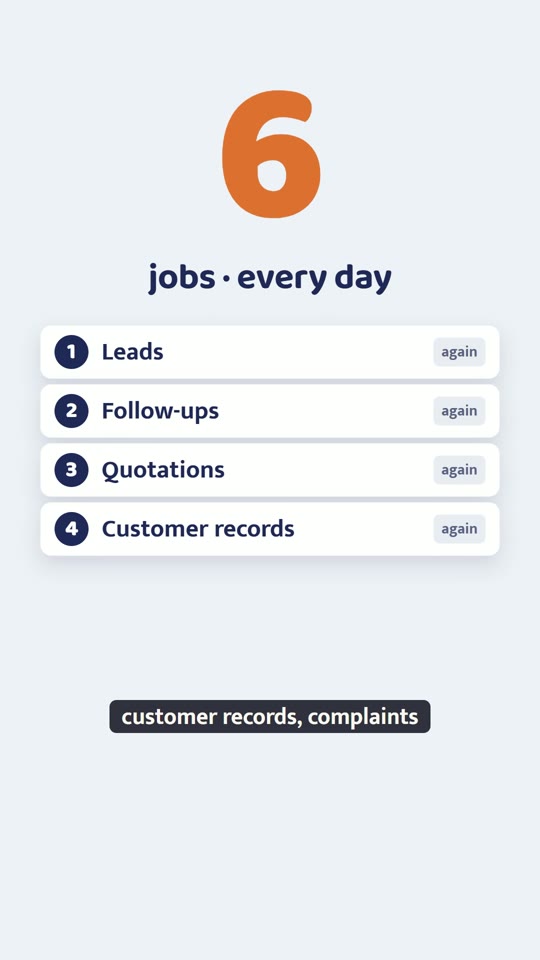
Typing bills, logging expenses, chasing payments, matching the bank. Half an accountant's day goes on data entry.
This is Sahkarmi. An accounts team of AI coworkers, on your Windows PC.
First, bills. Give it a photo or a PDF. It reads the date, GST number, amount and tax, and the entries are ready to import into Tally.
Staff expenses? Every receipt is checked against your policy. Duplicate bills are flagged, and the reimbursement list is ready.
Who owes you, and for how many days. A polite reminder for every customer, and it asks you before sending.
Bank reconciliation: the statement against your books, UPI included, line by line. And a reason for anything that doesn't match.
For GST, every invoice gets the right HSN code and the right tax: CGST and SGST, or IGST. And the e-way bill data is ready as well.
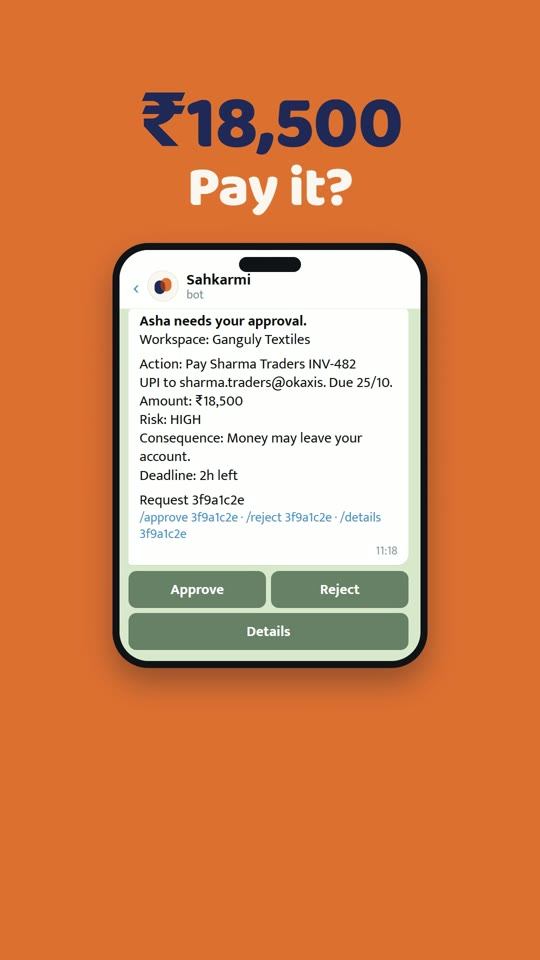
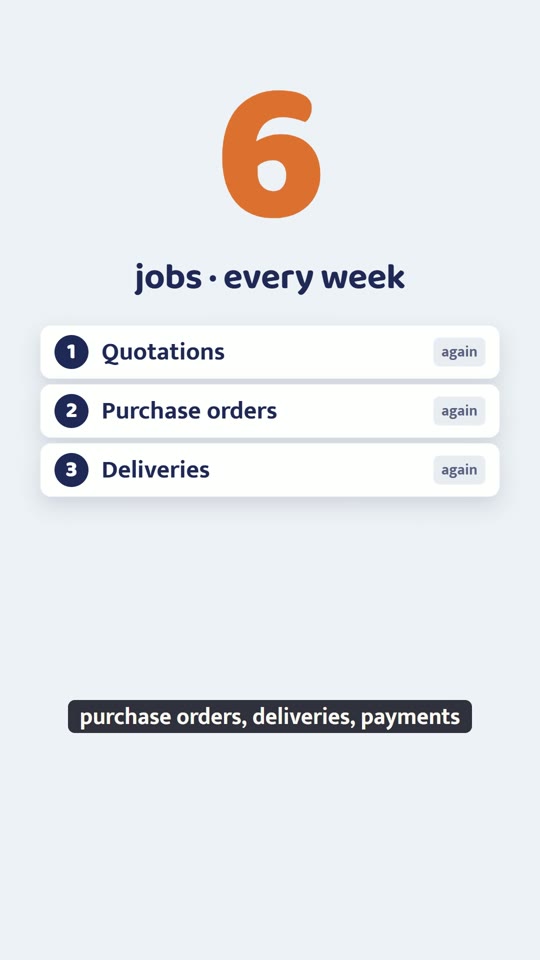
Vendor bills are matched to the purchase order. A list of who to pay, and when. Sending the money? Only you.
And set a schedule, and every evening you get today's sales, expenses and dues, on one page.
Your bills and books stay on your PC. There's no Sahkarmi server. And Sahkarmi is free.
Search Sahkarmi on the Microsoft Store. It's free. And send this to a friend who's an accountant.