How-to · 2:05
How to set up Sahkarmi for a clinic front desk
Step by step: add the Clinic Front Office to book appointments without clashes, send reminders and total the day's bills.
Published · English
What is said in this film
Do you run a clinic front desk? Here's how to teach Sahkarmi your job, step by step.
Every day: the phone keeps ringing, two patients booked at the same time, reminders nobody sends, and bills to total by evening.
Step one. Search Sahkarmi on the Microsoft Store and install it. On the first screen, choose Continue with OpenCode. It's free.
Step two. In the Marketplace, search clinic, and add the Clinic Front Office.
Step three. Attach your doctors' timings, the fee list and your appointment export. Then tell it your rules: reminders in Hindi and English, and follow-ups only as the doctor writes them.
Step four. Click Browser and watch it work. It opens your clinic software in its own browser, reads tomorrow's appointments for each doctor, and flags a double booking.
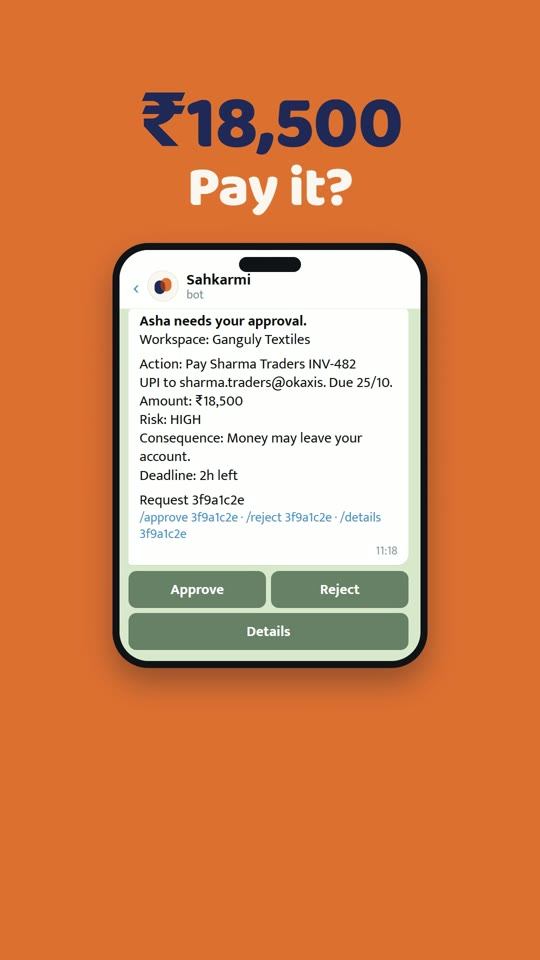
Step five. It drafts a reminder for every patient, to send on WhatsApp Business from its browser. Before anything goes to a patient, it asks you on your phone. One tap.
Step six. It makes bills and receipts from your fee list, totals the day by cash, UPI and card, and lists the papers missing for an insurance case.
It never gives medical advice. Clinical questions always go to the doctor.
Last step. In Routines, choose Describe it: every evening at seven, make tomorrow's appointment list and draft the reminders.
Now the front desk closes on time.
Every job works the same way. Search Sahkarmi on the Microsoft Store. It's free. Send this to a friend who runs a clinic.