How-to · 1:52
How to set up Sahkarmi for a property agent
Step by step: install from the Microsoft Store, add the Real Estate Assistant and let it handle leads, listings, site visits and follow-ups.
Published · English
What is said in this film
Are you a property agent? Here's how to teach Sahkarmi your job, step by step.
Every day: twenty new leads, listings on 99acres and MagicBricks, site visits to fix, and follow-ups nobody sends.
Step one. Search Sahkarmi on the Microsoft Store and install it. It's free. No account, no sign-up.
Step two. On the first screen, choose Continue with OpenCode. The free AI is built in. No key needed.
Step three. Open the Marketplace and search property. Add the Real Estate Assistant. Its job is already set.
Step four. Teach it your way. Attach your lead sheet and a builder's brochure, and tell it your rules: carpet area, the RERA number, and Hindi for local buyers.
Step five. Give it the first task. It writes the listing for each portal, checks the project on the RERA portal, and drafts a follow-up for every lead with no reply.
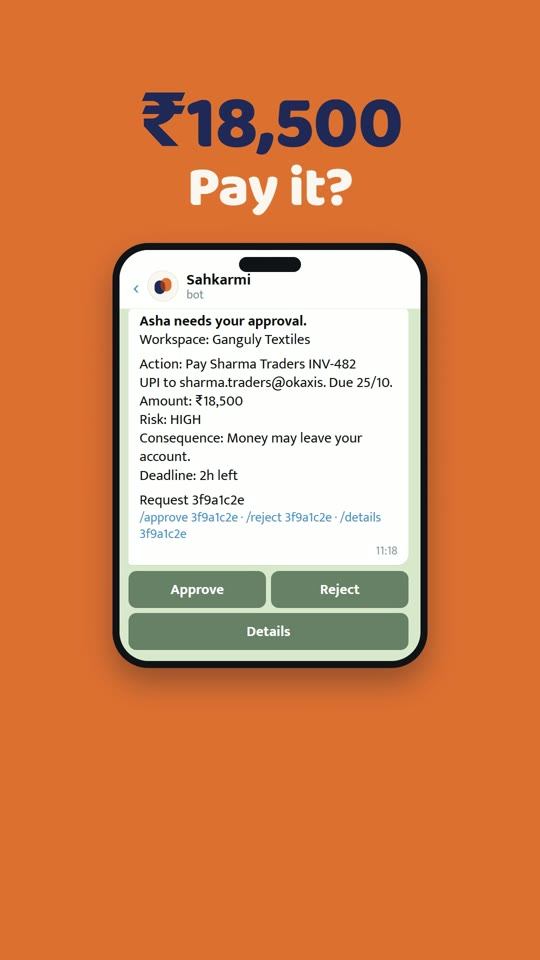
Step six. Nothing goes out on its own. Before it messages a lead or publishes a listing, it asks you: in the app, or on your phone through Telegram. One tap.
Last step. In Routines, choose Describe it: every morning at nine, follow up new leads, and ask me before sending.
Now your mornings start with approvals, not typing.
Every job works the same way. Search Sahkarmi on the Microsoft Store. It's free. Send this to a friend who is a property agent.