How-to · 2:09
How to set up Sahkarmi for government tenders
Step by step: add the Tender and Proposal Writer to find GeM and CPPP bids, check EMD and eligibility and never miss a deadline.
Published · English
What is said in this film
Do you bid for government tenders? Here's how to teach Sahkarmi your job, step by step.
Every week: new bids on GeM and CPPP, forty-page documents, EMD and eligibility to check, and deadlines that slip by.
Step one. Search Sahkarmi on the Microsoft Store and install it. On the first screen, choose Continue with OpenCode. It's free.
Step two. In the Marketplace, search tender, and add the Tender and Proposal Writer.
Step three. Attach your company papers: GST, Udyam, turnover certificate and past work orders. Then tell it your rules: furniture tenders only, in Maharashtra, above five lakh.
Step four. Click Browser at the top of the chat. Now you can watch it work: it opens GeM in its own browser, finds new bids and reads every page.
Step five. If a site shows a captcha, or needs your login or OTP, it asks you to take over. You do that one step, then click Hand back.
Step six. It pulls out the dates, EMD and eligibility, builds a clause-by-clause compliance list, drafts the technical bid, and lists what's missing.
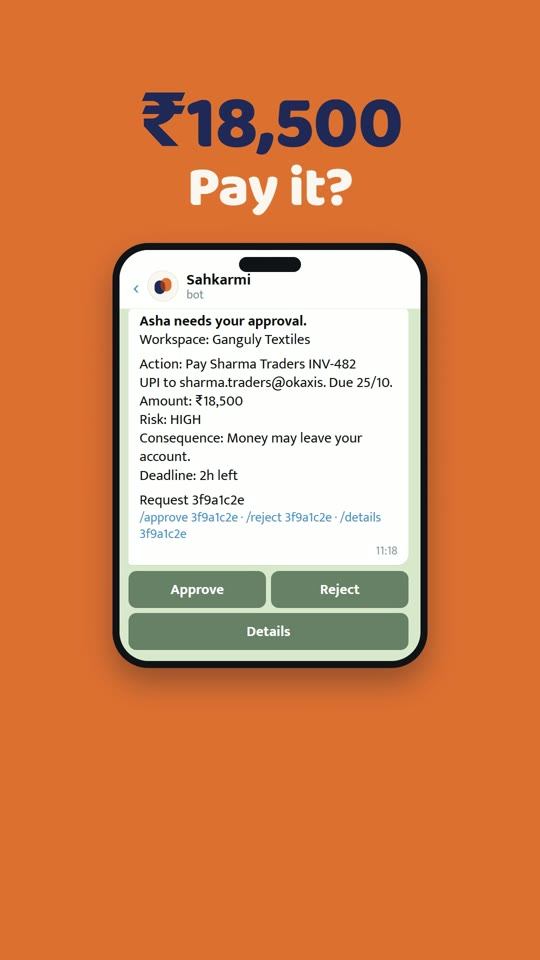
Before it sends a pre-bid query, uploads anything or pays a fee, it asks you on your phone. Signing with your DSC and the final submit stay with you.
Last step. In Routines, choose Describe it: every morning at nine, check GeM and CPPP for new furniture tenders, and give me a shortlist.
Now you read a shortlist, not forty pages.
Every job works the same way. Search Sahkarmi on the Microsoft Store. It's free. Send this to a friend who bids for tenders.