How-to · 2:15
How to set up Sahkarmi for a hotel or homestay
Step by step: add the Hotel and Homestay Desk to manage bookings, rates and reviews across MakeMyTrip, Booking.com and Airbnb.
Published · English
What is said in this film
Do you run a hotel or a homestay? Here's how to teach Sahkarmi your job, step by step.
Every day: bookings on MakeMyTrip, Booking.com and Airbnb, rates to match, a room sold twice, and reviews waiting for a reply.
Step one. Search Sahkarmi on the Microsoft Store and install it. On the first screen, choose Continue with OpenCode. It's free.
Step two. In the Marketplace, search hotel, and add the Hotel and Homestay Desk.
Step three. Attach your master sheet with rooms, rates and policies, and your booking exports. Then tell it your rules: check-out at eleven, no rate below twenty-eight hundred, and short, warm replies.
Step four. Click Browser, and sign it in once. When it opens your extranet, it asks you to take over. You type the password and OTP yourself, then click Hand back. Each coworker keeps its own sign-ins.
Step five. Now watch it work. It opens each listing and checks photos, amenities, policies and rates against your master sheet, and makes a fix list.
Step six. It puts bookings from every channel into one calendar, flags a room booked twice, and prepares tomorrow's arrival list.
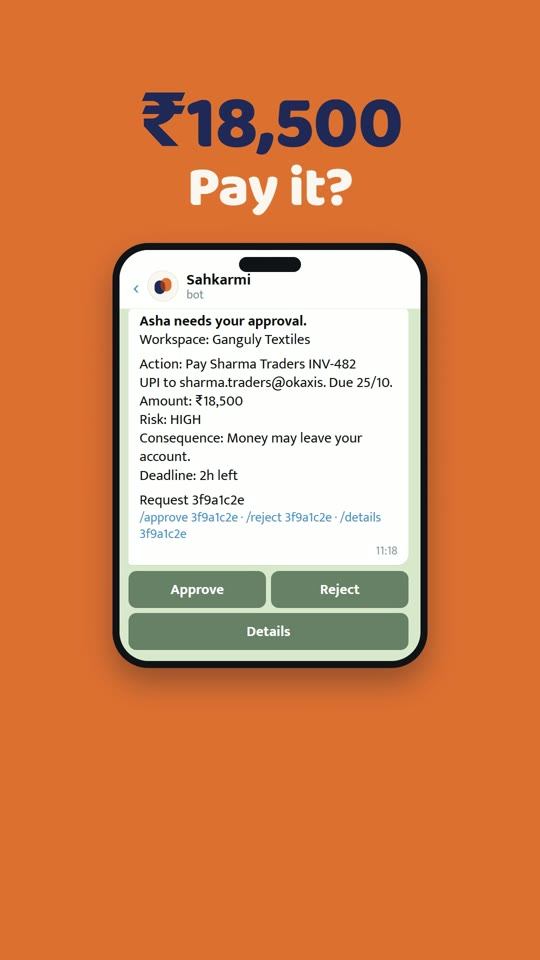
Before it changes a rate, posts a review reply or cancels a booking, it asks you on your phone. One tap.
Last step. In Routines, choose Describe it: every morning at eight, update the booking calendar, flag overbookings, and draft replies to new reviews.
Now a double booking shows up before the guest does.
Every job works the same way. Search Sahkarmi on the Microsoft Store. It's free. Send this to a friend who runs a hotel or homestay.